Connecting to the Device via GSM
Warning
Use a micro-SIM card. Disable the SIM card PIN protection in advance.
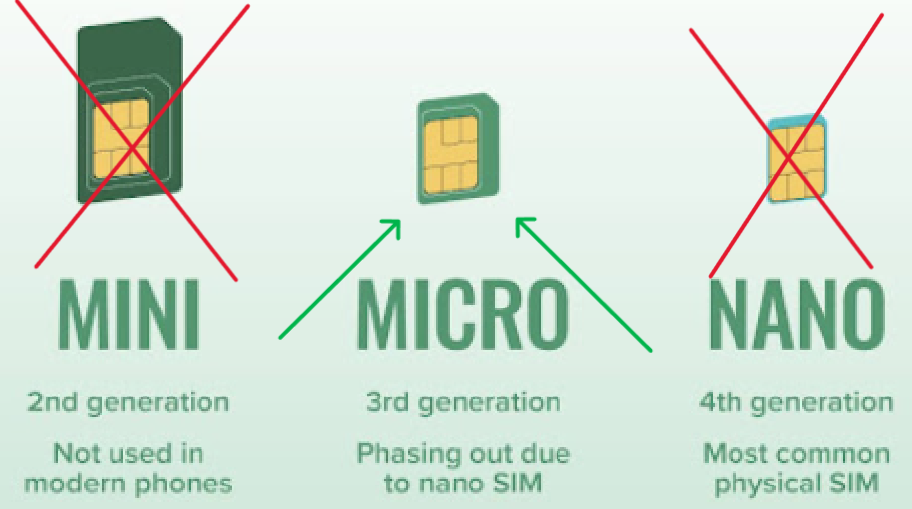
- Install the BeeApiary app if needed. It is not required to receive ordinary SMS messages. If the app must process measurement data from SMS messages automatically, SMS permission is mandatory.
-
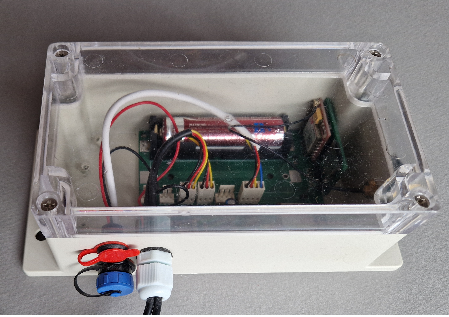
Open the cover of the data collection unit.
-
Insert the micro-SIM into the appropriate slot.
Correct card position:
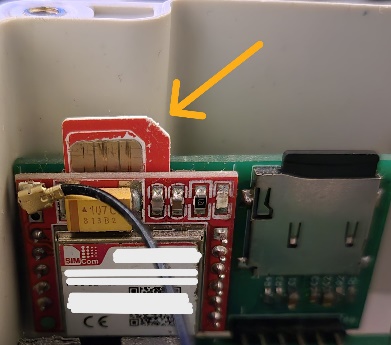
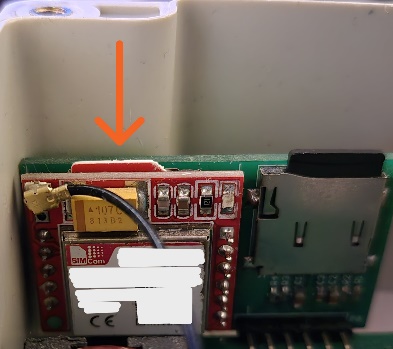
Insert the SIM card and press it gently until it is almost fully recessed into the slot and you hear a light click confirming that it is locked in place:
-
Activate or restart the device in the same way: briefly hold the magnetic key against the branded mark on the back of the main unit.


-
Wait about one minute.
- Confirm that the first SMS arrives at the preconfigured number.
Done: the device has been activated or restarted and can send measurements through GSM.
If the owner's number has not been configured yet, configure the number through the local Wi-Fi network.