Add a Hive
Create a hive profile without physical beehive scales to keep its journal, record its status, add notes, and save planned and completed events. This scenario does not require beehive scales, a SIM card, or permission to process SMS.
- Open Main menu → Add device or hive.
- On the Devices and hives screen, tap Add hive.
- Enter a name that will help you find this hive easily.
-
Tap Insert.
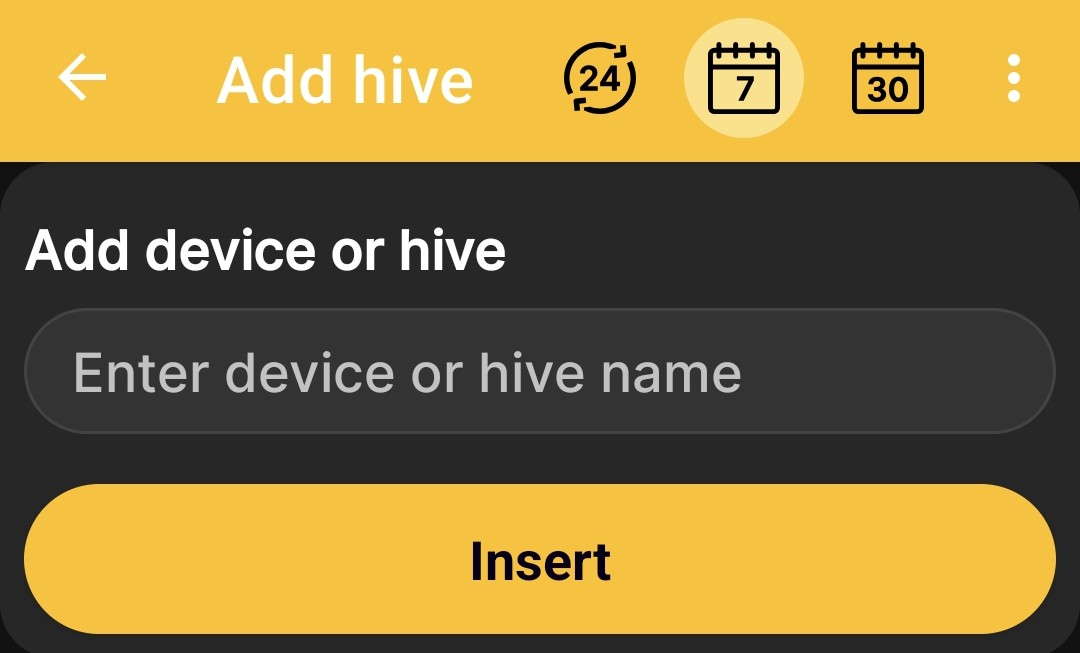
After saving, the profile appears in the shared list of devices and hives. Use Hive Status and Events and Notes to build its history over time.