App Settings
The Settings page is the parent menu for the app's display and behavior options. Each item opens a separate child screen.
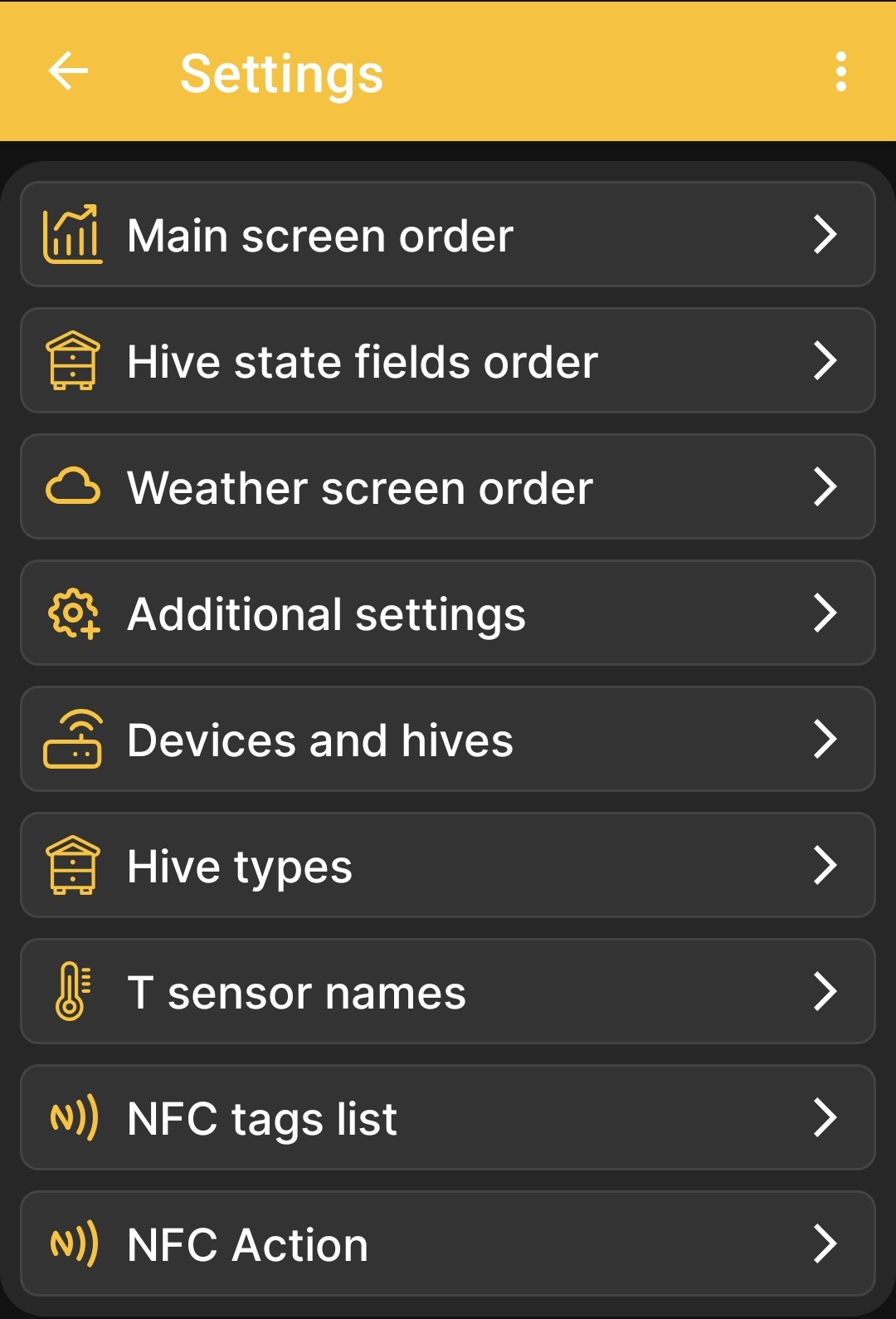
| Menu item | Purpose |
|---|---|
| Main screen order | Opens data and chart selection. These settings determine which tiles appear and their order on the home screen and, for numeric values, which charts appear and their order on the charts screen. |
| Hive state fields order | Opens the hive state field settings. |
| Weather screen order | Opens the weather forecast data settings. |
| Additional settings | Opens additional app behavior options, including event display and Bluetooth operation. |
| Devices and hives | Manages the list of profiles. Adding BeeApiary beehive scales and a hive are described separately; a complete description of this screen is still being prepared. |
| Hive types | Opens the list of hive types used at the apiary. |
| T sensor names | Lets you assign clear names to temperature channels. A detailed description will be added after a separate review of this screen. |
| NFC tags list | Shows devices and hives linked via NFC. |
| NFC Action | Selects the action performed after an NFC tag is recognized. |
Related Settings
Configuration of the BeeApiary beehive scales through their local web interface is described separately: Direct Wi-Fi Connection to the Device.