Calibration and Tare
A new device does not need calibration
Calibration is primarily required after a repair or loss of factory calibration data. Do not use it as a general way to troubleshoot an incorrect weight reading.
Calibration
- Disconnect the external power supply.
- Place all weight sensors on a firm, level surface and leave the platform empty.
-
Connect to the device access point and open General Settings → Scale Settings in its web interface.
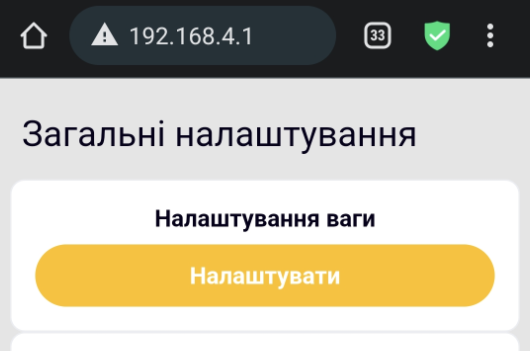
-
Start Zero Calibration and wait for it to finish without touching the platform.
The screen shows two calibration stages:
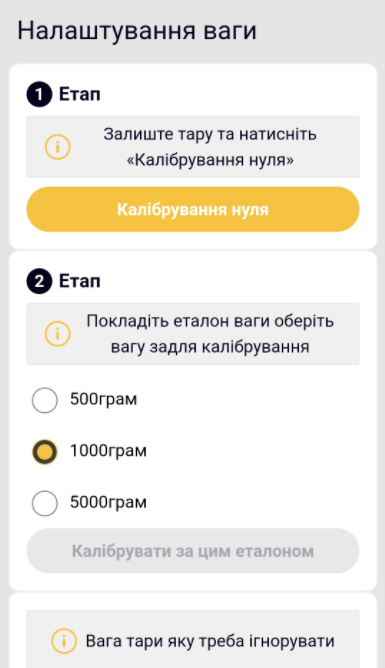
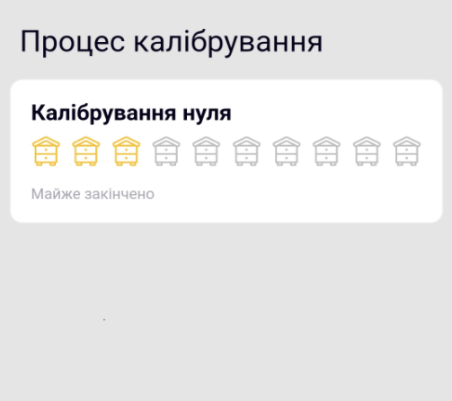
-
Select an available reference weight of 500, 1000, or 5000 g and place it on the platform.
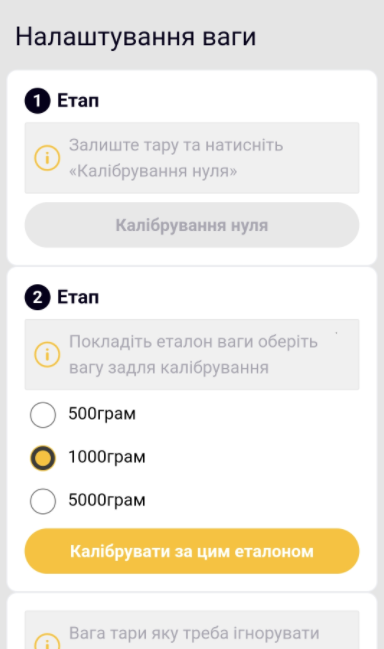
-
Start Reference Calibration and wait for the result.

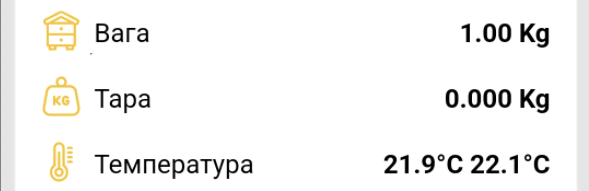
Tare
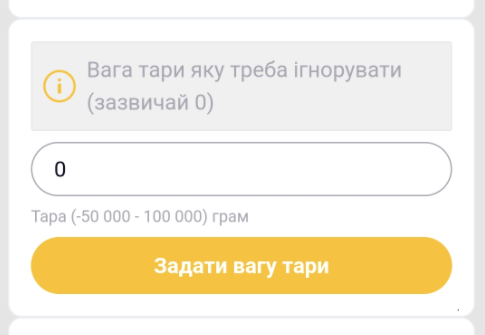
You can enter a known tare weight in grams:
Alternatively, accept the current platform weight as zero:
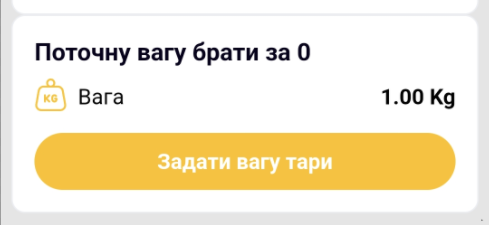
Taring does not change the factory calibration factor.
Separate procedures: Tare the Scales and Calibrate the Scales.